A Free Alternative to Figma Dev Mode for Developers
TL;DR: Pixso lets developers inspect Figma designs for free—just import the shared Figma > file link and enable Dev Mode.
Figma’s introduced Dev Mode to improve design-to-development handoff by providing clear access to spacing, styling, tokens, and exportable assets. However, moving Dev Mode behind a paywall has created challenges for teams who primarily rely on the inspection view but don’t need full design-editing capabilities.
If your workflow relies primarily on:
- Inspecting component spacing and layout
- Extracting font sizes, weights, and colors
- Copying CSS, iOS, or Android code snippets
- Exporting SVGs, PNGs, or other assets
Then paying $12/month for Dev Mode may feel unnecessary—especially if you rarely open Figma for actual editing.
Fortunately, Pixso offers a free alternative with the same inspection functionality. Developers can open shared design files, view structure and style details, and export assets directly—without requiring a paid plan.
How the process works
Copy the figma design link from you browser's url search bar
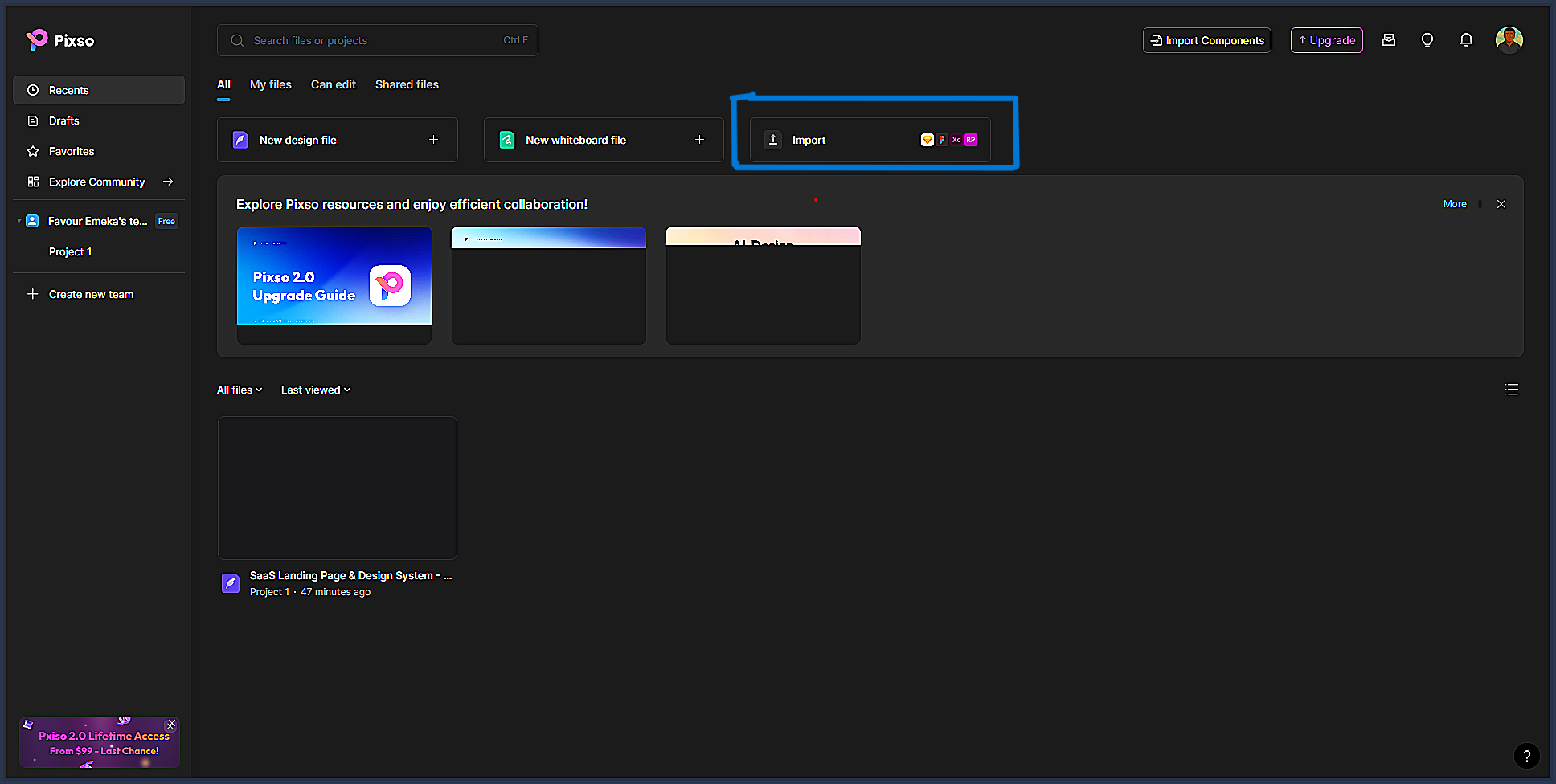
Go to your Pixso workspace and click the import
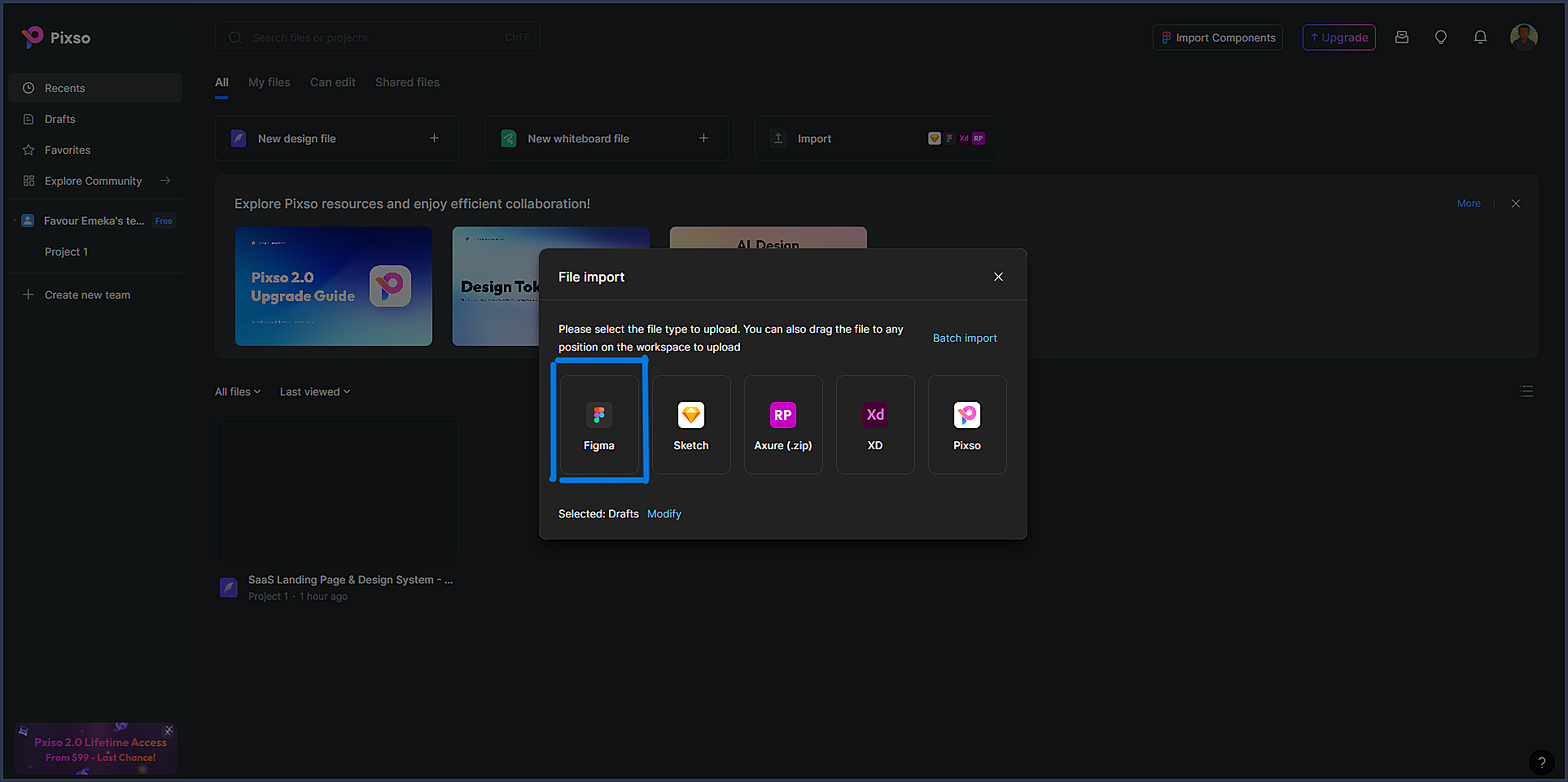
Select Figma in the import modal.
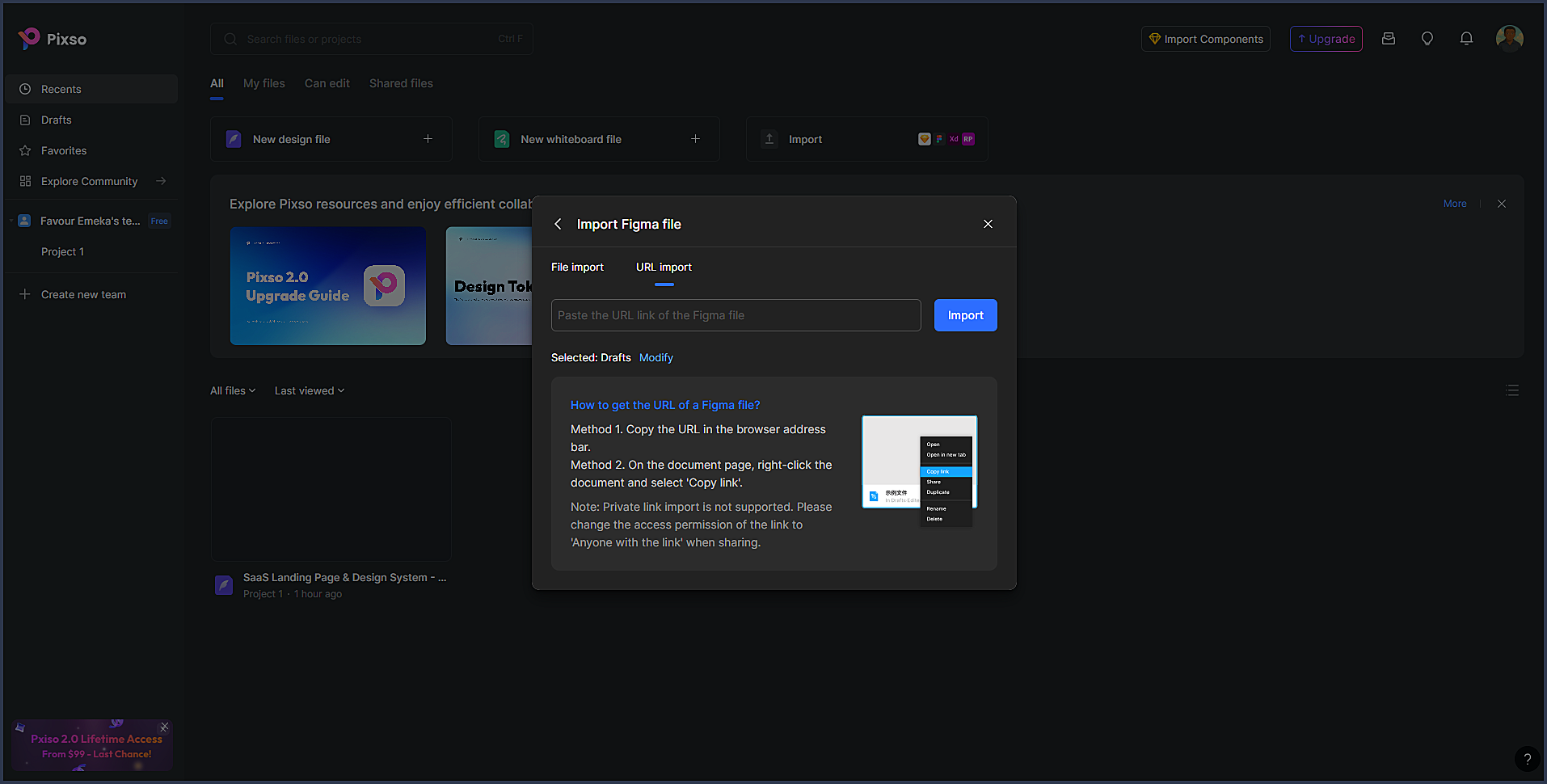
Paste the Figma URL and confirm.
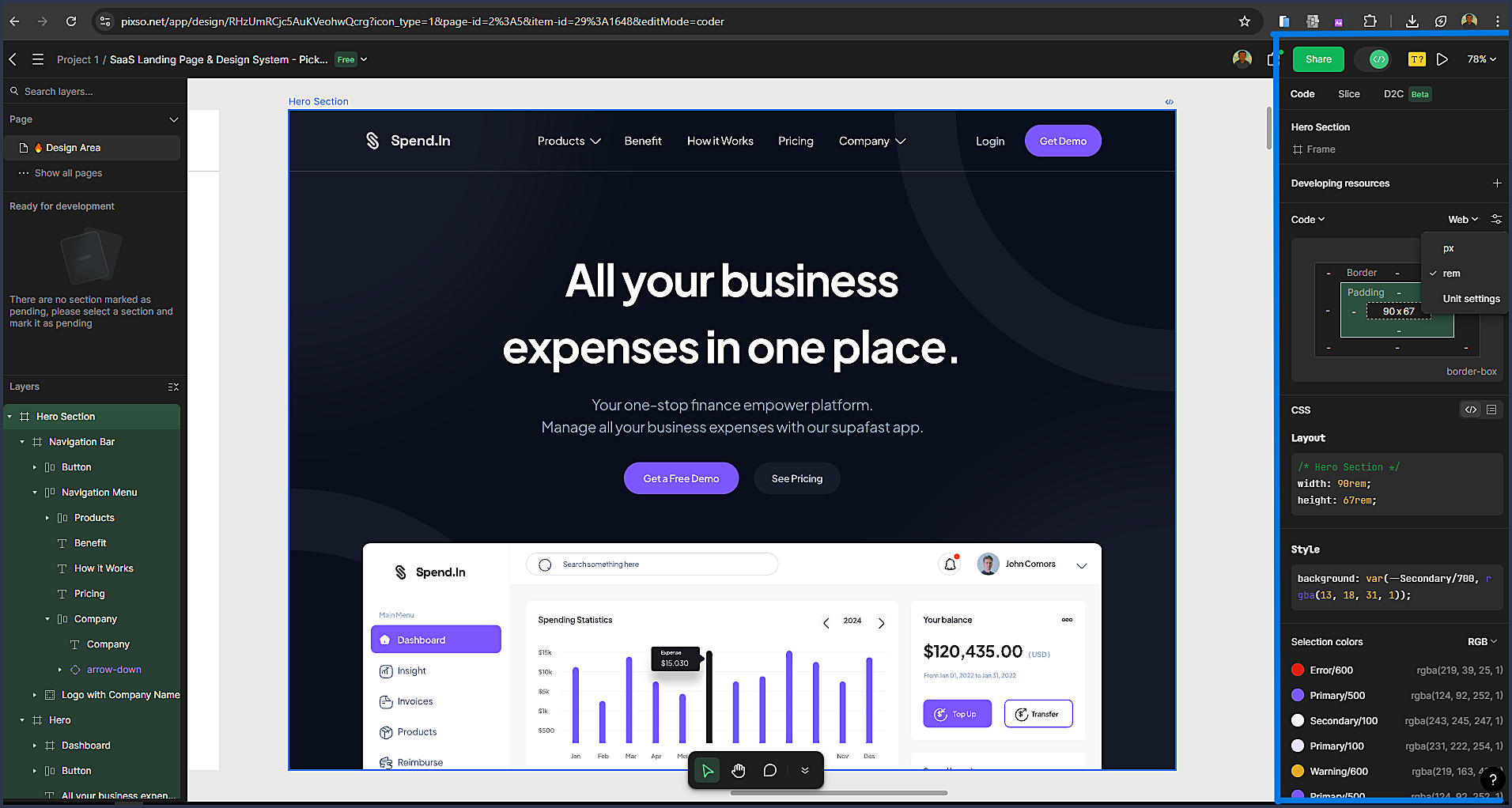
After import, enable Dev Mode and inspect the design just as you would in Figma.
Why This Works Well
- No workflow change required for designers
- Developers get the inspection tools they need
- No Figma plan upgrades required
- Asset exporting and styling references remain consistent
This approach allows teams to maintain their existing design workflow while avoiding new subscription costs.